Why I Built Blunderzone
The chess training tool I wanted for myself—and my family.
Blunderzone started with a simple wish: I wanted to train chess in a particular way, and I couldn’t find that combination in the platforms I was using.
I wanted to revisit puzzles before I forgot them, practise positions from my own games, and have a quick way to work through easier problems. I also wanted the training to be useful for different players in my family, even though we were at very different levels.
Those wishes eventually became the three training modes in Blunderzone.
From the Woodpecker Method to spaced repetition
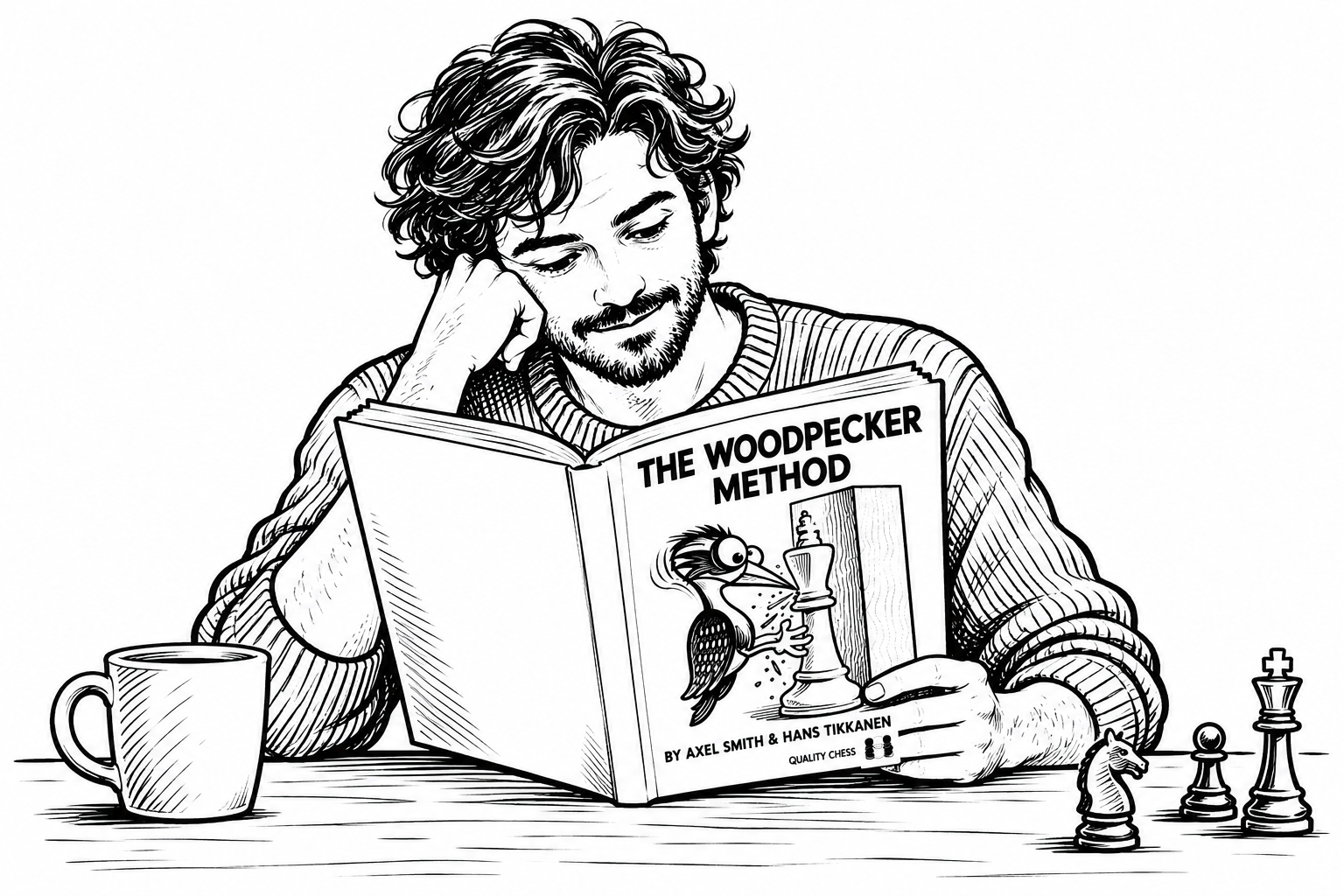
The first inspiration was The Woodpecker Method. I liked the idea of returning to the same chess puzzles repeatedly, becoming more familiar with the patterns instead of always moving on to new positions.
I had already used software to memorise foreign vocabulary and poems, so I was familiar with spaced repetition. It felt natural to bring that approach into chess: let the software keep track of the positions and schedule when to practise them again.
A printed book can give you a collection of puzzles and a routine for repeating them. What I wanted from software was an individual review schedule.
There was another reason, too: difficulty.
I could work through puzzles in the book myself, although the later ones became very challenging. But my son and my wife also play chess, and my wife is just starting out. For her, even getting started with that collection wasn’t practical. She needed much simpler positions.
That made me want a tool we could each use at our own level. The idea behind the training appealed to me; the same set of puzzles simply wasn’t the right fit for everyone.
So the first part of Blunderzone was a tactics trainer built around spaced repetition, with puzzle difficulty adjusted to the player.
Turning my own mistakes into practice
The next thing I wanted was a way to train on positions from my own games.
After a game on Lichess or Chess.com, I could review my mistakes and look at better moves. But I would soon forget what I had seen. Looking at a mistake once wasn’t the same as being able to handle that position when it appeared again.
So I applied the same repetition approach to my own games. Instead of leaving a mistake behind in the analysis, I wanted to turn it into a position I would have to solve again later.
This turned out to be a very different kind of practice from a standard tactics collection.
In your own games, the better move isn’t always a fork, a pin, or a winning combination. Sometimes you mishandle the opening. Sometimes you choose the wrong positional plan. Sometimes you need to notice what your opponent is threatening and prevent it.
Those positions matter to me because they come from situations I actually reach. They show the decisions I struggle with, rather than only the combinations I might miss.
To make that training possible, I also needed to import and analyse my games. That is how the games section took shape: a place for games downloaded from online platforms, as well as over-the-board games added manually. Reviewing games and training from them became parts of the same process.
A quick round of easier puzzles
The third mode came from wanting something simpler: a short session of easy puzzles, solved quickly.
In quick training, you get ten puzzles in succession, with just fifteen seconds for each one.
The idea is to recognise a familiar pattern and act on it. It gives me another way to practise when I want a brief, fast session.
Three ways to train, one starting point
Blunderzone grew out of these personal needs, one at a time.
Memory training came from wanting repeated practice at a suitable difficulty. Training from my own games came from wanting to remember and revisit my mistakes. Quick training came from wanting short bursts of easier puzzles.
I built it for the way I wanted to train, with my family’s different needs in mind along the way. My hope is that, if you have been looking for a similar way to practise, you will find it useful too.